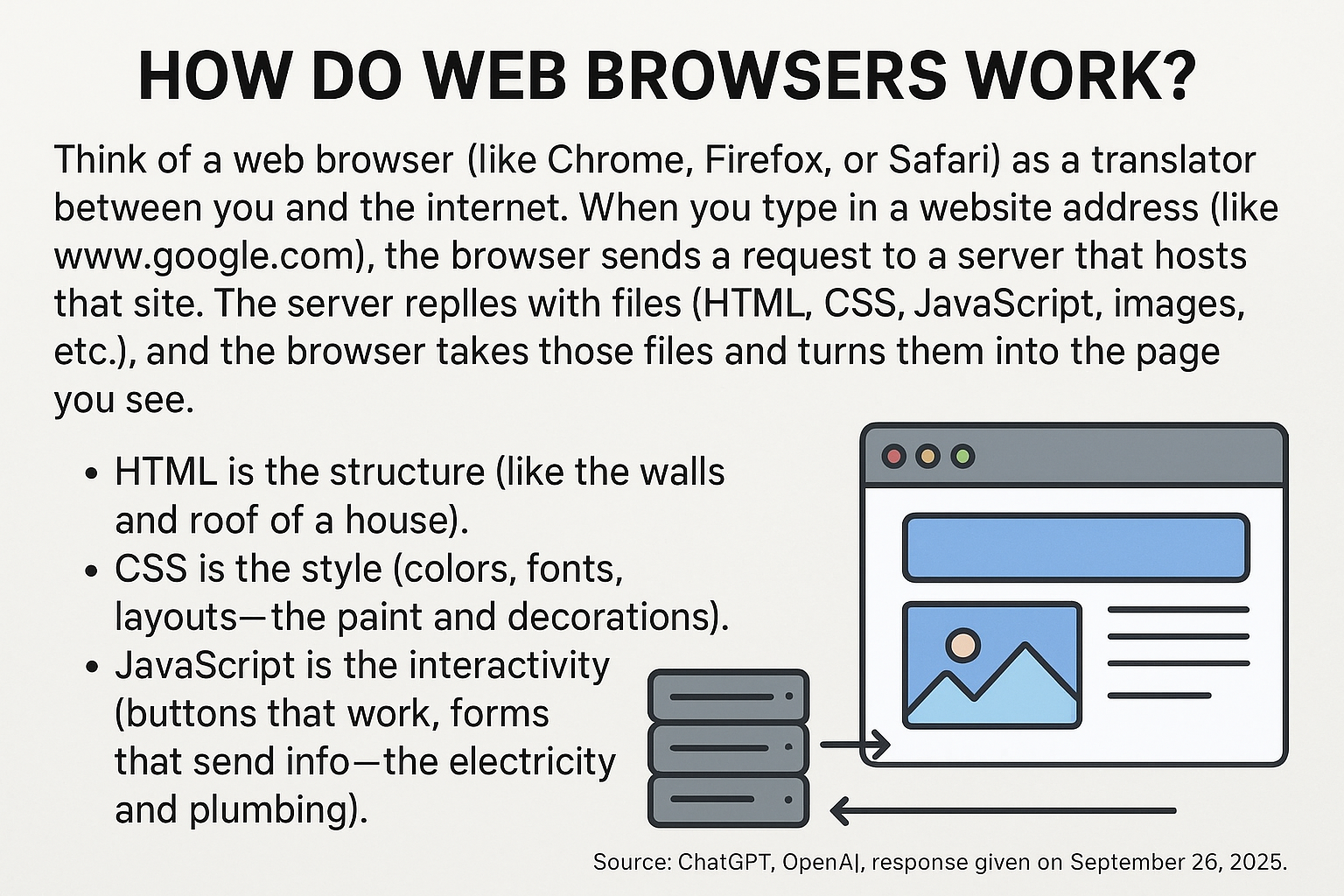
Think of a web browser (like Chrome, Firefox, or Safari) as a translator between you and the internet. When you type in a website address (like www.google.com), the browser sends a request to a server that hosts that site. The server replies with files (HTML, CSS, JavaScript, images, etc.), and the browser takes those files and turns them into the page you see.
HTML is the structure (like the walls and roof of a house).
CSS is the style (colors, fonts, layouts—the paint and decorations).
JavaScript is the interactivity (buttons that work, forms that send info—the electricity and plumbing).
The browser processes all of this, step by step, and displays it as a usable webpage.